Canva vs. Adobe Express: The Ultimate Beginner's Design Tool Comparison Guide
Choosing your first design tool can feel overwhelming, especially with popular platforms like Canva and Adobe Express competing for attention. This in-depth comparison breaks down everything beginners need to know—ease of use, templates, design tools, collaboration features, and pricing—to help you choose the right platform with confidence.
Osita
1/19/20268 min read
Canva vs. Adobe Express: The Ultimate Beginner's Design Tool Comparison Guide
Choosing the right design tool can make or break a beginner's creative journey, and two platforms consistently dominate the conversation: Canva and Adobe Express. Both tools promise to simplify graphic design for users without professional training, but they take different approaches to achieving this goal.
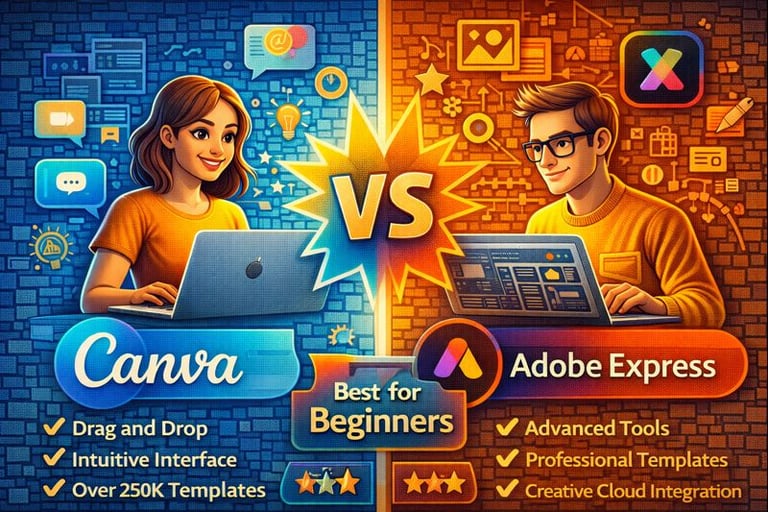
For absolute beginners, Canva typically offers the more intuitive learning curve with its drag-and-drop simplicity, while Adobe Express provides more sophisticated design capabilities that may require a steeper initial investment of time to master. The choice between these platforms often comes down to whether users prioritize immediate ease of use or long-term creative potential.
Understanding the key differences in usability, available tools, collaboration features, and pricing structures helps beginners make an informed decision that aligns with their specific needs and budget constraints. Each platform has distinct advantages that cater to different types of users and project requirements.
Overview of Canva and Adobe Express
Both platforms serve as accessible design solutions targeting non-designers and creative professionals who need quick visual content creation. Canva focuses on simplicity and social media graphics, while Adobe Express leverages Adobe's professional design heritage with streamlined functionality.
Platform Purpose and Target Users
Canva positions itself as the go-to design tool for small businesses, social media managers, and individuals with no design experience. The platform emphasizes ease of use through drag-and-drop functionality.
Its primary users include entrepreneurs, marketers, educators, and content creators who need professional-looking graphics quickly. Canva serves over 100 million monthly active users worldwide.
Adobe Express targets users who want Adobe's design quality without the complexity of professional software like Photoshop. The platform appeals to small business owners, social media professionals, and students.
Adobe Express attracts users already familiar with Adobe's ecosystem. It serves as an entry point for those considering upgrading to Adobe's premium creative suite later.
Key Features Comparison
Template Libraries:
Canva offers over 250,000 templates across categories
Adobe Express provides thousands of professionally designed templates
Design Elements:
Canva includes millions of stock photos, icons, and illustrations
Adobe Express integrates Adobe Stock assets and Creative Cloud libraries
AI-Powered Tools:
Canva features Magic Resize, Background Remover, and text generation
Adobe Express includes Quick Actions, auto-tone adjustments, and font pairing suggestions
Collaboration Features:
Canva supports real-time team editing and commenting
Adobe Express offers sharing capabilities with approval workflows
Access and Device Compatibility
Both platforms operate as web-based applications accessible through any modern browser. Users can create accounts and start designing immediately without software downloads.
Canva offers mobile apps for iOS and Android with full editing capabilities. The mobile experience mirrors desktop functionality, allowing users to design on smartphones and tablets seamlessly.
Adobe Express provides mobile applications that sync with desktop versions through Adobe Creative Cloud. Users can start projects on mobile devices and continue editing on computers.
Offline Capabilities:
Canva requires internet connectivity for most features
Adobe Express allows limited offline editing through mobile apps with cloud sync when reconnected
Ease of Use for Beginners
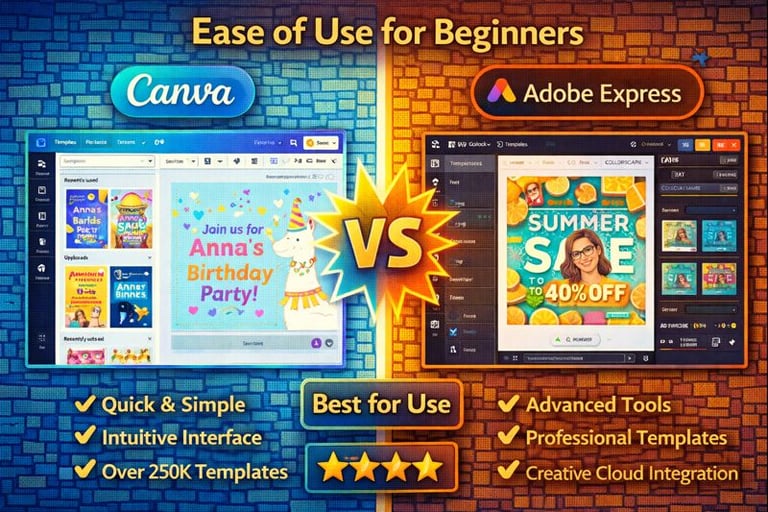
Canva delivers a cleaner, more intuitive interface that requires minimal learning time for new users. Adobe Express offers more advanced features but presents a steeper learning curve with additional complexity in its design environment.
Onboarding Experience
Canva provides a straightforward signup process that immediately presents users with template categories and design options. New users can start creating designs within minutes without tutorials or extensive setup.
The platform offers optional guided tours but doesn't force users through lengthy onboarding sequences. Users can skip directly to design creation and explore features organically.
Adobe Express requires Adobe ID creation and often prompts users to explore Creative Cloud integration during signup. The onboarding process includes more steps and feature explanations.
New Adobe Express users encounter screens highlighting premium features and Creative Cloud benefits. This creates additional decision points before reaching the main design interface.
Key Differences:
Canva: Immediate access to templates and tools
Adobe Express: More comprehensive feature introduction
Canva: Optional guidance and tutorials
Adobe Express: Structured onboarding with upsells
User Interface and Navigation
Canva employs a clean, minimalist design with clearly labeled sections and drag-and-drop functionality. The sidebar contains organized categories for templates, elements, text, and uploads.
Users can locate design tools quickly through visual icons and logical groupings. The interface remains consistent across different design types and projects.
Adobe Express features a more complex interface with additional menus and options visible simultaneously. The layout includes more technical terminology and advanced editing controls.
Navigation requires familiarity with design software conventions. Users must understand layer management and more sophisticated editing workflows.
Interface Comparison:
Feature
Canva
Adobe Express
Visual Complexity
Minimal
Moderate
Tool Organization
Category-based
Feature-based
Menu Structure
Simple sidebar
Multi-level menus
Learning Curve Differences
Canva allows beginners to create professional-looking designs immediately through pre-made templates and simple customization. Users can modify colors, text, and images without understanding design principles.
Most users master basic Canva functions within their first design session. Advanced features remain accessible but don't interfere with simple workflows.
Adobe Express requires more time investment to achieve similar results. Users benefit from understanding design concepts and Adobe's interface conventions.
The tool rewards users who invest time in learning its features but can overwhelm beginners with too many options. Professional results require more deliberate practice and experimentation.
Design Tools and Templates
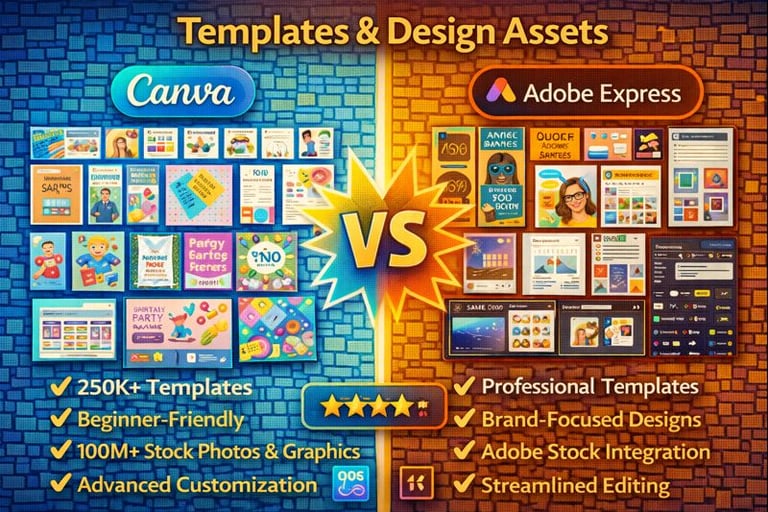
Both platforms offer extensive template libraries and design assets, with Canva excelling in variety and beginner-friendly options while Adobe Express provides professional-grade templates with streamlined customization.
Template Variety and Quality
Canva provides over 250,000 templates across numerous categories including social media posts, presentations, flyers, and business cards. The platform updates its template collection regularly with trending designs and seasonal content.
Adobe Express offers fewer templates but focuses on professional quality and brand consistency. The templates feature clean, modern designs that align with current design trends.
Template Categories Comparison:
Category
Canva
Adobe Express
Social Media
50,000+
10,000+
Business
30,000+
5,000+
Marketing
40,000+
8,000+
Education
25,000+
3,000+
Canva's templates cater to diverse skill levels with options ranging from simple layouts to complex designs. Many templates include placeholder text and graphics that guide beginners through the design process.
Adobe Express templates emphasize professional aesthetics with consistent typography and color schemes. The platform integrates Adobe Stock imagery directly into templates, ensuring high-quality visual elements.
Customization Options
Canva offers extensive customization through drag-and-drop functionality, text editing, color changes, and element repositioning. Users can modify fonts, adjust spacing, and apply filters without design experience.
The platform includes advanced features like background removal, animation effects, and layering tools. Brand Kit functionality allows users to save custom colors, fonts, and logos for consistent branding across designs.
Adobe Express provides streamlined customization options that maintain design integrity. Users can swap images, change text, and adjust colors while preserving the template's professional appearance.
Key Customization Features:
Canva: 3,000+ fonts, unlimited color palettes, custom uploads
Adobe Express: 1,000+ Adobe Fonts, brand color integration, Creative Cloud sync
The platform connects with other Adobe applications, enabling users to import assets from Photoshop or Illustrator. This integration benefits users already familiar with Adobe's design ecosystem.
Media Library and Asset Availability
Canva provides access to over 100 million stock photos, illustrations, icons, and graphics. The free plan includes 400,000+ free elements, while paid plans unlock the complete library.
The platform features diverse content including hand-drawn illustrations, photography styles, and cultural representations. Audio and video assets support multimedia projects with background music and stock footage.
Adobe Express integrates with Adobe Stock, offering millions of high-quality images and graphics. Premium subscribers access the full Adobe Stock library directly within the design interface.
Asset Library Comparison:
Photos: Canva (75M+), Adobe Express (200M+ via Adobe Stock)
Graphics: Canva (5M+), Adobe Express (2M+)
Audio: Canva (25,000+), Adobe Express (10,000+)
Adobe Express emphasizes curated, professional-grade assets over quantity. The platform's connection to Creative Cloud ensures access to the latest Adobe Stock additions and trending content.
Both platforms allow custom uploads, though Adobe Express provides better integration with existing Adobe workflows and cloud storage systems.
Collaboration and Sharing Capabilities
Both platforms offer solid collaboration features, though Canva provides more robust real-time teamwork capabilities. Adobe Express focuses on streamlined sharing with tight integration into Adobe's ecosystem.
Team Features
Canva excels in collaborative design work with comprehensive team functionality. Users can invite team members to edit designs simultaneously with real-time updates visible to all participants.
The platform includes comment systems for feedback and approval workflows. Team members can leave specific comments on design elements and track changes throughout the project lifecycle.
Canva team features include:
Real-time collaborative editing
Comment and feedback systems
Team folders for organization
Brand kit sharing across teams
Role-based permissions (editor, viewer, admin)
Adobe Express offers more basic collaboration tools. Users can share designs with team members for viewing and basic editing, but lacks the advanced real-time features found in Canva.
The platform integrates well with other Adobe Creative Cloud applications. Teams already using Adobe products can seamlessly move designs between Express and professional Adobe software.
Adobe Express provides brand consistency tools and template sharing within organizations.
File Export and Sharing Options
Canva provides extensive export formats including PNG, JPG, PDF, MP4, and animated GIF files. Users can download designs in multiple resolutions optimized for different platforms and use cases.
The platform offers direct social media publishing to major networks. Users can schedule posts and maintain consistent branding across multiple social channels without leaving the application.
Canva generates shareable links for easy client review and approval. Recipients can view designs without creating accounts, streamlining the feedback process.
Adobe Express supports standard export formats with particular strength in PDF and print-ready files. The platform maintains high-quality output suitable for professional printing requirements.
Integration with Adobe Creative Cloud allows seamless file transfer to Photoshop, Illustrator, and other Adobe applications. This workflow benefits users who need to refine designs in professional software.
Adobe Express includes direct publishing options for social media and web platforms with optimized sizing for each destination.
Pricing and Value for Beginners
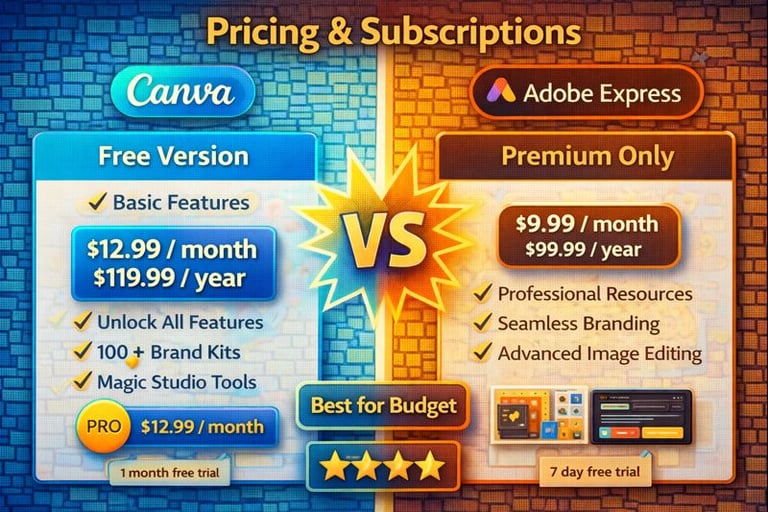
Canva offers a more generous free tier with 250,000+ templates, while Adobe Express provides 2,000+ free templates but integrates better with Adobe's ecosystem. Both platforms provide solid value through their paid plans, though pricing structures differ significantly.
Free vs. Paid Plans
Canva Free includes access to over 250,000 templates, basic design tools, and 5GB of cloud storage. Users can create unlimited designs but face restrictions on premium elements and advanced features.
Canva Pro costs $14.99 per month and unlocks 100GB storage, background remover, brand kit features, and access to premium stock photos. Teams can collaborate more effectively with shared folders and brand assets.
Adobe Express Free provides 2,000+ templates, 2GB storage, and basic editing tools. The free version includes Adobe fonts and some stock images but limits advanced features.
Adobe Express Premium runs $9.99 monthly and adds 100GB storage, premium templates, and deeper integration with Adobe Creative Cloud. Users gain access to Adobe Stock assets and advanced collaboration tools.
Value for Money
Adobe Express offers better value at $9.99 versus Canva's $14.99 monthly cost. The price difference becomes significant for budget-conscious beginners who need premium features.
Canva justifies its higher price through extensive template variety and user-friendly tools. Beginners benefit from the platform's intuitive interface and comprehensive design resources.
Adobe Express provides stronger value for users already within Adobe's ecosystem. The integration with other Adobe products creates additional utility for the subscription cost.
Both platforms offer annual discounts that reduce monthly costs. Beginners should evaluate their specific needs against each tool's feature set to determine the best value proposition.